Turn Every CES Las Vegas Meeting Into a Real Lead
CES 2026 moves fast. Between exhibitor halls, hotel suites, startup showcases, buyer meetings, and press conversations across Las Vegas, you can meet dozens of valuable contacts every day. Capture every connection instantly and never lose momentum.
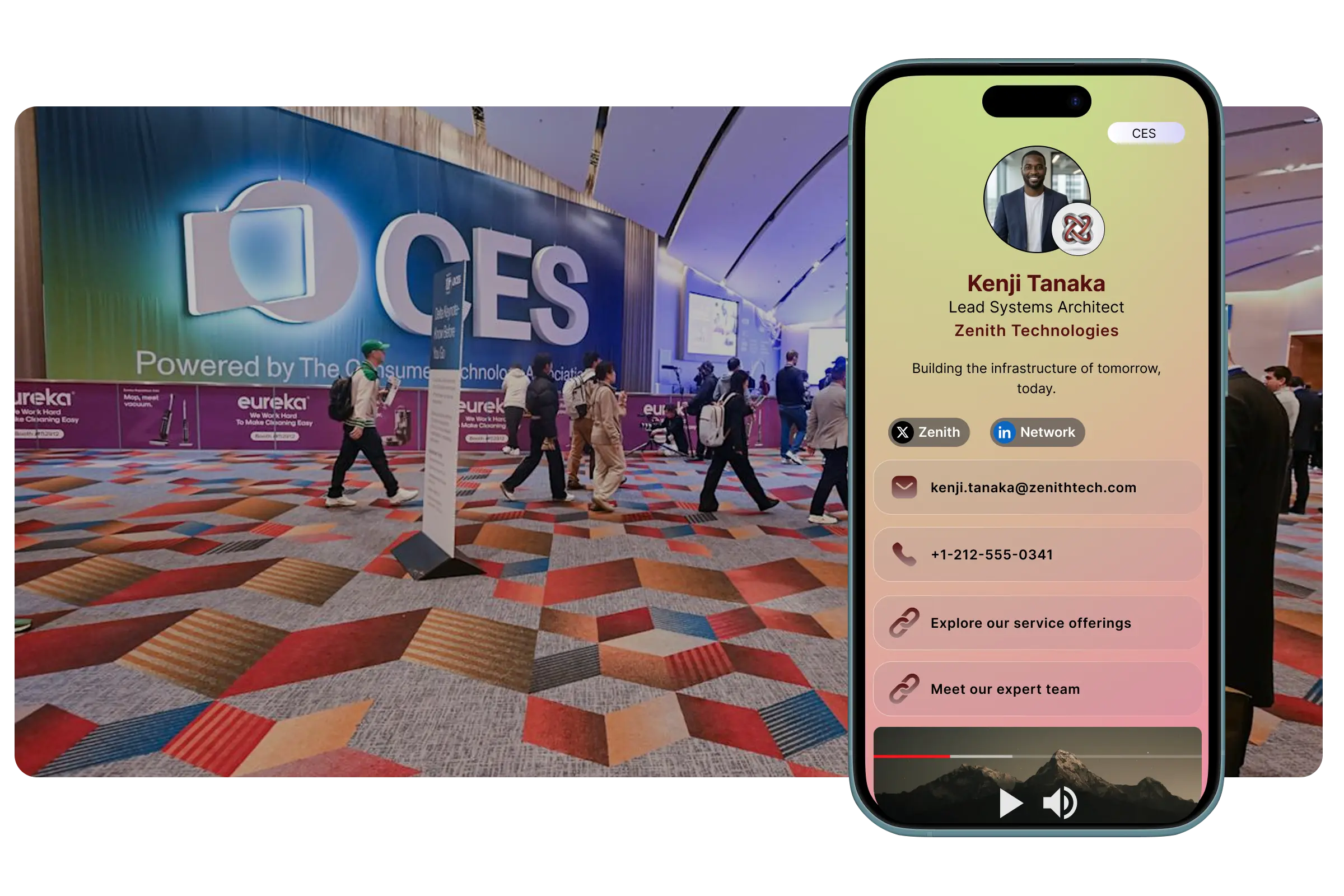
Capture Every CES Contact Instantly
At CES, one day can include booth meetings at LVCC, startup demos at the Venetian, and investor conversations in hotel suites. Save every contact in seconds without manual typing.
Scan Business Cards at CES
Even at one of the world’s biggest technology events, business cards are still everywhere. KADO's AI scanner captures names, titles, emails, phone numbers, and companies instantly from paper cards.
Scan QR Codes from Founders, Buyers, and Media
Many exhibitors, startups, and attendees share QR codes during demos, meetings, and networking events. Scan them instantly and save full contact details on the spot.
Capture Contacts in 5 Seconds
Meet a distributor at your booth, a journalist in a press area, or a buyer during a product demo, then capture their details, add notes, and move to the next conversation in under 5 seconds.
Remember Every CES Conversation
CES can blur together fast. Add notes like 'retailer interested in Q2 rollout', 'met at Venetian suite', or 'media follow-up after demo' so every contact keeps its context.
Scan any card, badge or QR code with our AI scanner
Organize 100+ CES Leads Without Losing Track
CES is one of the highest-volume networking events of the year. Keep every lead structured, searchable, and ready for follow-up before you leave Las Vegas.
- Add Notes Immediately After Every Meeting
Save notes like 'buyer from major retailer', 'interested in enterprise pricing', 'requested distributor deck', or 'follow up after product launch announcement' while details are still fresh.
- Tag Leads by Opportunity
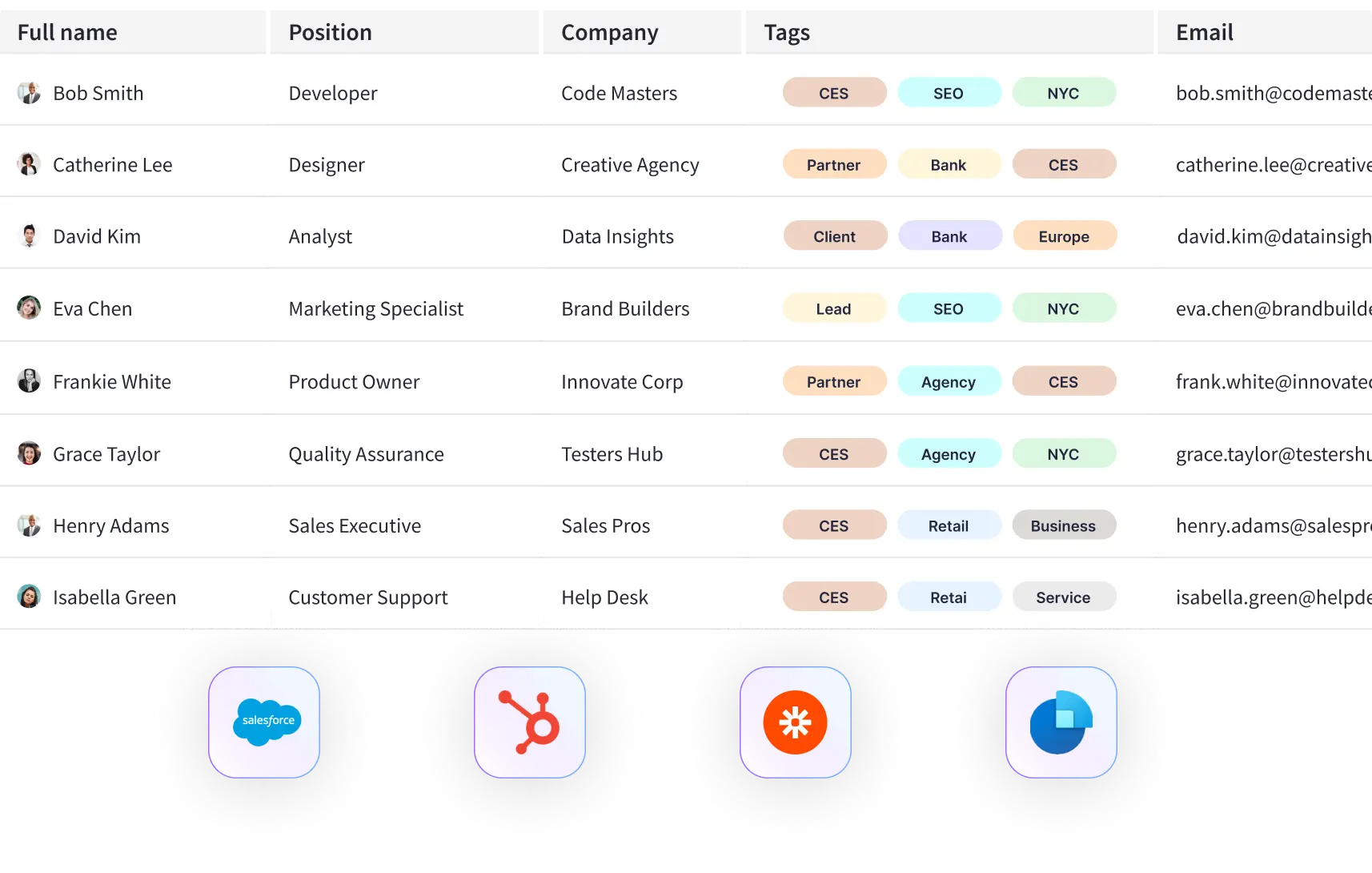
Tag contacts as 'Buyer', 'Media', 'Investor', 'Distributor', 'Partner', 'Retail', or 'Press'. This makes it easy to prioritize your hottest CES opportunities.
- Export All CES Contacts to Your CRM
When the day ends or the flight home begins, export your CES contacts to HubSpot, Salesforce, Dynamics, or CSV in one click.
- Follow Up Before CES Momentum Fades
CES is intense and competitive. Set reminders and follow up within 24 to 48 hours, before your contacts move on to the next hundred conversations.
For Teams Exhibiting or Attending CES
Sending multiple team members to CES Las Vegas? Track every contact captured across booths, suites, meetings, and networking events while keeping your brand consistent.
Track Your CES Team
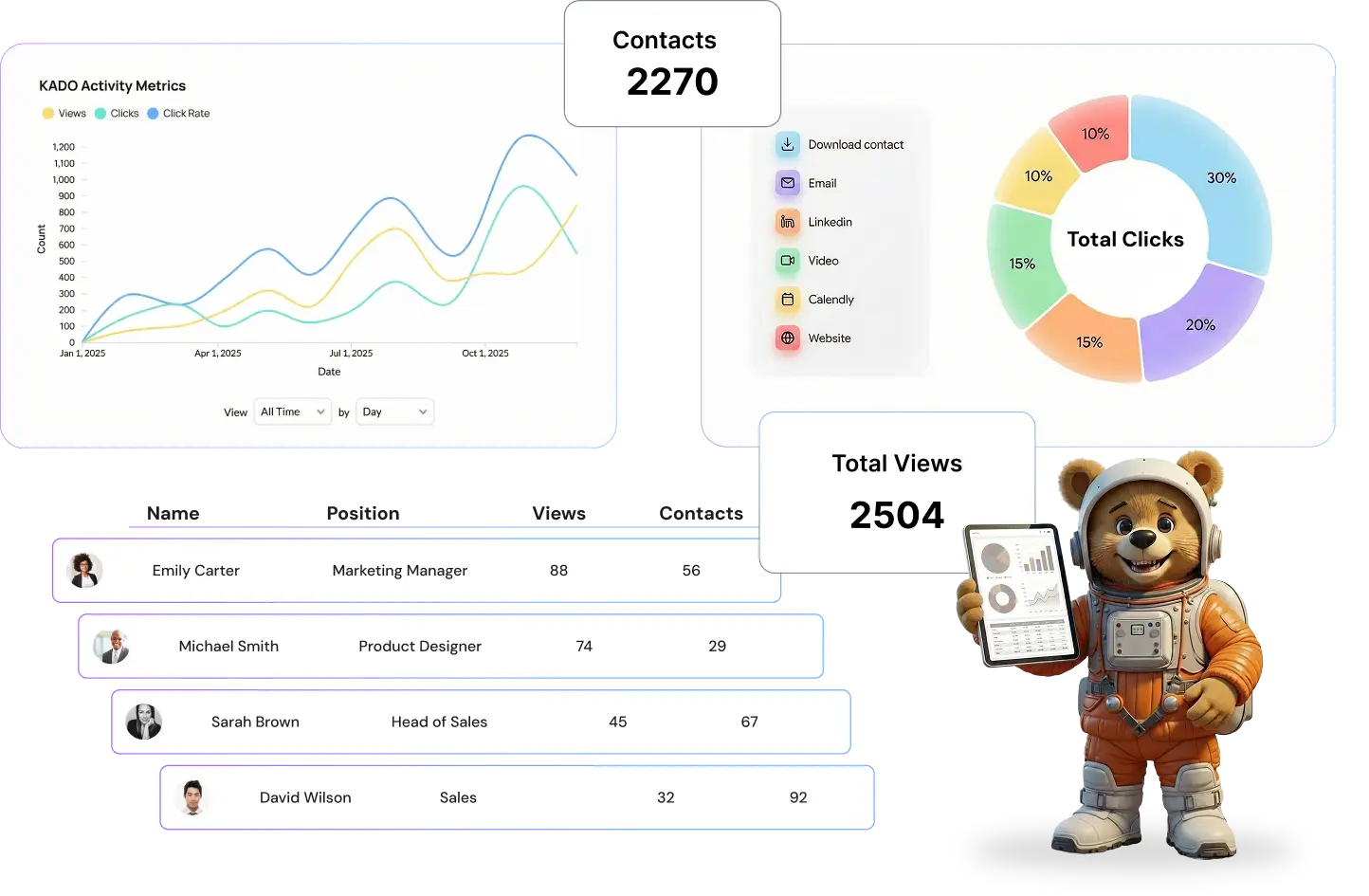
See how many contacts each team member captured at CES and identify who is generating the strongest pipeline from the event.
CES Lead Analytics
Measure contacts captured by rep and by day, then export everything to your CRM for post-event reporting and follow-up.
Branded Digital Cards for the Whole Team
Make sure every rep shares a digital business card with the right branding, product links, demo pages, and company messaging.
Secure Team Management
Control permissions, keep lead data centralized, and manage event networking across your organization in one secure platform.
50,000+ professionals across 70+ countries
Trusted by teams at:
















Frequently Asked Questions
Everything you need to know about using KADO at CES 2026
Yes. KADO includes offline access and an offline QR (vCard), so you can still share your contact details in busy areas where connectivity is weak.
No. When you share via QR code or NFC, recipients simply open your contact page in their browser and save your details instantly.
Usually in under 10 seconds. Take a photo of the card and KADO extracts the contact information automatically.
Yes. You can export contacts to HubSpot, Salesforce, Dynamics, or download them as CSV or vCard files.
Yes. Team plans let multiple users share branded digital cards and manage all leads in one centralized system.
You can organize buyers, media, investors, distributors, partners, retailers, prospects, and any other contacts you meet during CES.
No. Free users can capture unlimited contacts.
Yes. KADO encrypts data in transit and at rest and follows GDPR and SOC 2 standards.
Absolutely. Download the app, create your digital card, and test your workflow before arriving in Las Vegas.
Going to CES 2026? Set Up Your Digital Card Before Las Vegas
Join thousands of professionals who capture every lead, contact, and opportunity at major events.
✓ Capture every lead ✓ Stay focused on the conversation